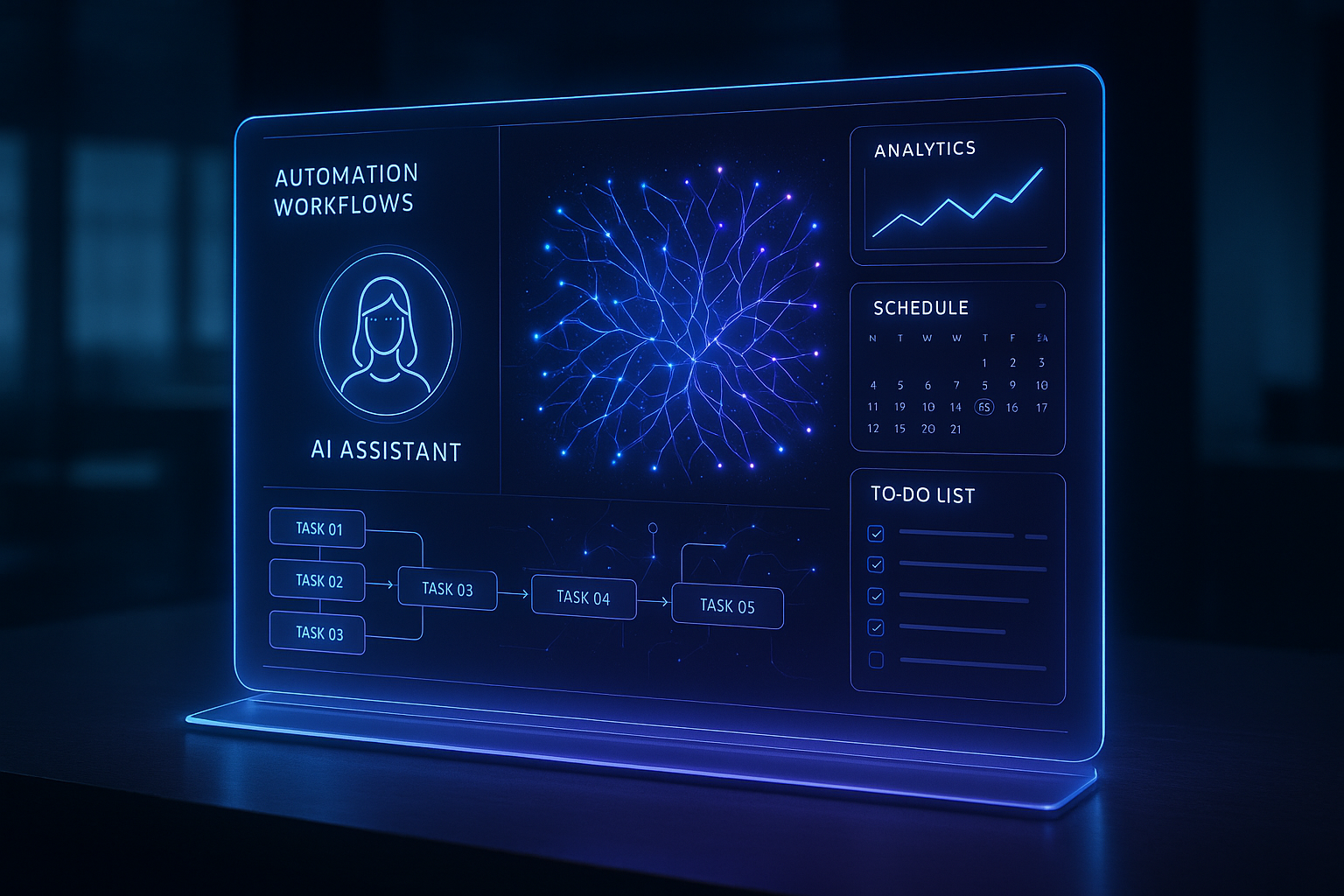
OpenClaw for Personal Automation: Capabilities, Risks and When to Use It
Understand how OpenClaw connects channels, agents and tools, which personal workflows fit it and what controls are required before automation.
OpenClaw for Personal Automation: Capabilities, Risks and When to Use It
OpenClaw is a self-hosted gateway that connects chat channels to AI agents with sessions, memory and tools. It can receive a request through WhatsApp, Telegram or another configured channel, consult an allowed source and prepare or execute an action within the operator's policy.
Personal automation does not mean giving unrestricted access to a computer. Responsible use starts with reading, recording and drafting tasks. External, persistent or hard-to-reverse actions come only after limits, approval and logs.
How OpenClaw works
The Gateway is the center of the installation. It organizes channels, sessions, agents and tool connections.
message from an allowed channel
→ OpenClaw Gateway
→ agent with limited instructions and tools
→ reading, drafting or approved action
→ result record
According to the official documentation, OpenClaw is designed for one operator or trust boundary per Gateway. People or organizations that do not trust one another need separate Gateways, preferably with isolated users or hosts.
What it can connect
| Layer | Role | Example |
|---|---|---|
| Channel | Input and response | WhatsApp, Telegram, Slack or WebChat |
| Session | Conversation context | History separated by agent, group or sender |
| Tool | Reading or action | Check files, a calendar, CRM or run a routine |
| Skill | Reusable method | Steps for triage, research or reporting |
| Automation | Work that runs later | Scheduled task, hook or webhook |
| Gateway | Policy and operations | Routing, authentication, logs and diagnostics |
The agent sees only the tools that survive profile, agent, channel and environment policies. This makes it possible to start with read access and enable writing only where a proven need exists.
Use cases that fit
Summarization and triage
The agent gathers allowed messages or documents, classifies them by topic and prepares a summary. The person decides what deserves a response.
Calendar preparation
The system checks commitments, finds conflicts and suggests times. Creating, changing or cancelling an event can remain approval-gated.
Decision records
After a conversation, the agent prepares a note with the decision, owner and next step. Human review keeps inferences from becoming facts.
Research with sources
The agent searches approved sources and returns a synthesis with links. The output separates sourced information, interpretation and what still needs validation.
Technical routines
For development work, the agent can read a repository, prepare a change and run tests. Commit, push and deployment remain governed by the operator's policy.
Cases that require more caution
| Situation | Risk | Minimum control |
|---|---|---|
| Replying to third parties | Speaking in your name without context | Draft and approval before sending |
| Running commands | Changing or deleting local state | Allowlist, sandbox and approval |
| Reading personal data | Exposure beyond the purpose | Minimum scope and defined retention |
| Running scheduled work | Persistent action outside the conversation | Owner, logs, limits and shutdown path |
| Serving untrusted users | Sharing the agent's authority | Isolated Gateway per trust boundary |
| Installing plugins or skills | Running third-party code | Trusted source, pinned version and review |
OpenClaw is not a hostile multi-tenant boundary
The security documentation is explicit: a shared Gateway should not be treated as strong isolation between adversarial users. If several people can trigger a tool-enabled agent, they share the authority delegated to that agent.
For business use, each tenant needs an isolated cell or an architecture that keeps credentials, policy and data separate. A session is not a substitute for authorization.
How to start with a controlled pilot
1. Choose one unit of work
Define something observable, such as preparing a daily summary, classifying a request or generating a draft.
2. Record the baseline
Measure time, rework, frequency and errors before automation.
3. Start with reading
Allow access only to required data. Do not enable sending, writing or execution in the first test.
4. Add a human gate
Every external or persistent action should require approval until the error rate and risk are known.
5. Keep logs and failures
Record the input, selected tool, output, human intervention and instruction version.
6. Run the security audit
OpenClaw provides openclaw security audit and a --deep option for a broader probe. Repeat the audit after configuration or exposure changes.
When traditional automation is better
Use a fixed workflow when rules are complete, the result must be identical and there is no ambiguous language. An agent adds value when it needs to interpret context, choose tools or handle exceptions. Without that need, it adds unnecessary cost and risk.
Questions for the decision
- What concrete task should the agent complete?
- Which data is indispensable?
- Which tools remain read-only?
- What action requires human approval?
- How will a failure be detected and reversed?
- Who owns the operation?
- What metric would justify expansion?
For a deployment with isolation, permissions and operational transfer, see OpenClaw implementation for business. To compare OpenClaw with workflow tools, read OpenClaw, Zapier, n8n or chatbot.